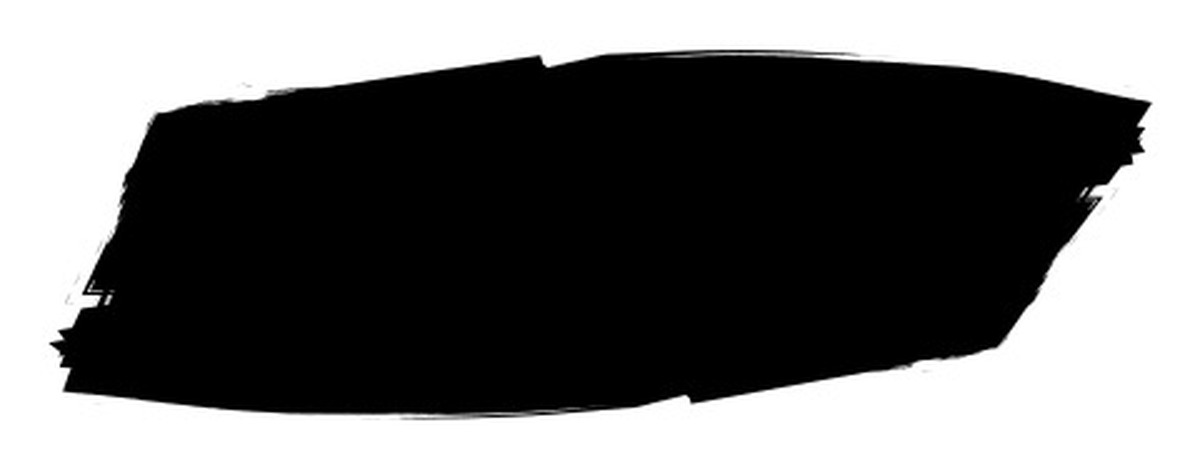
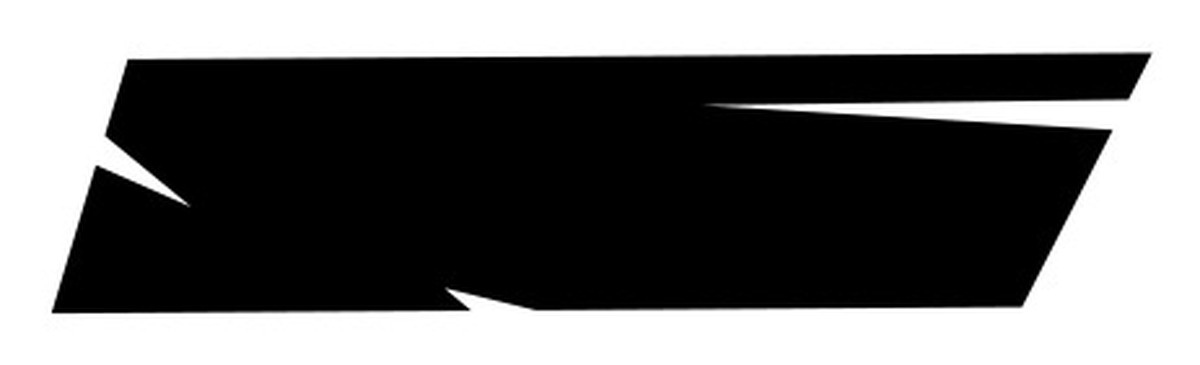
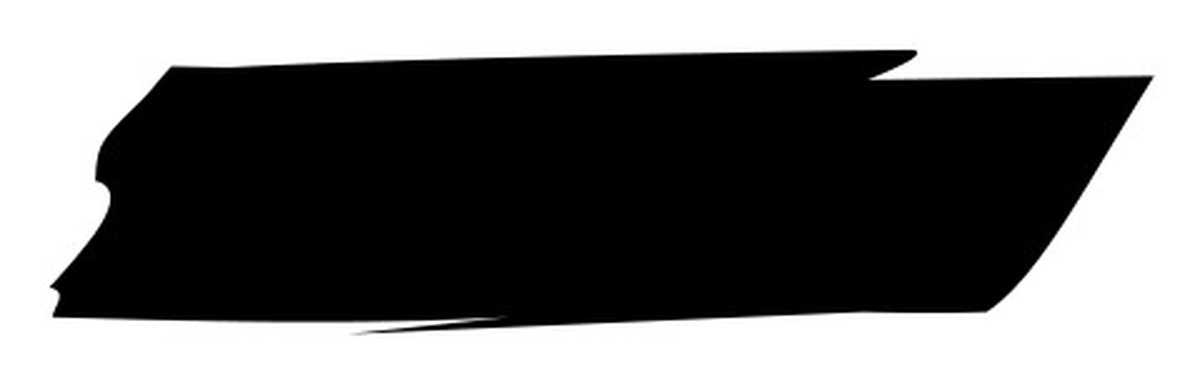
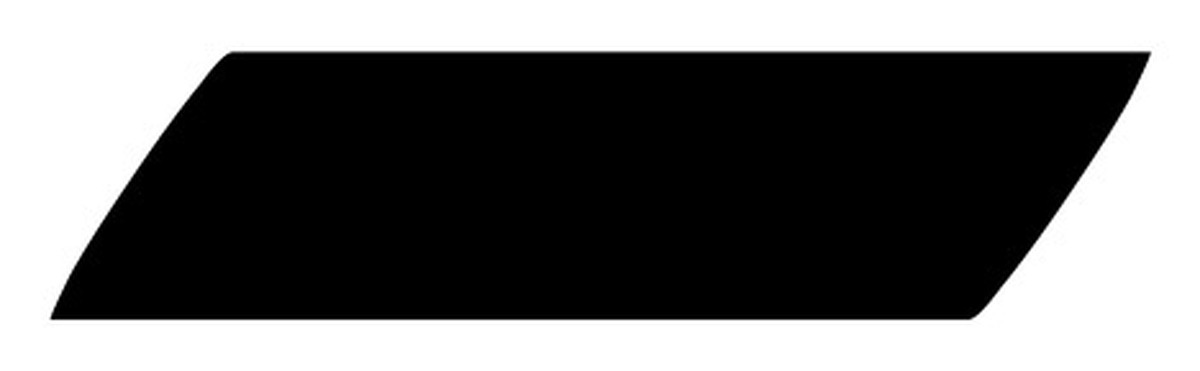
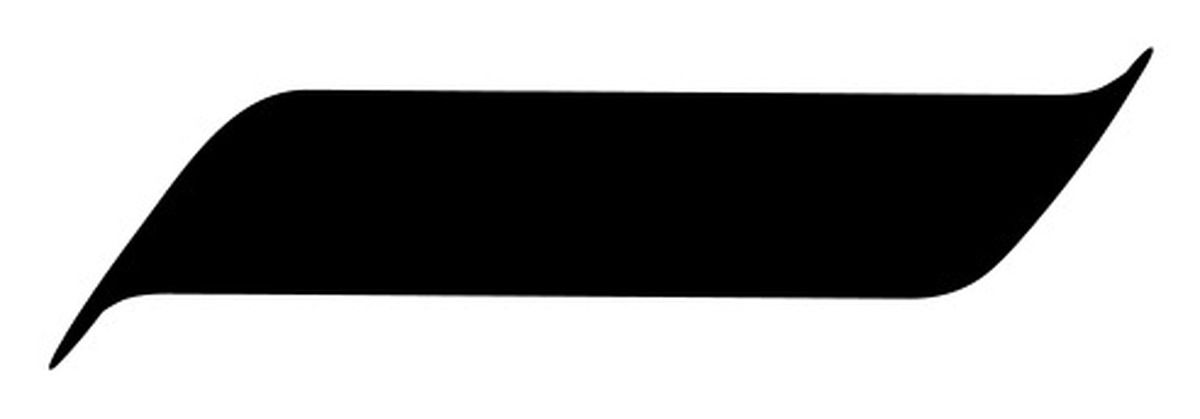
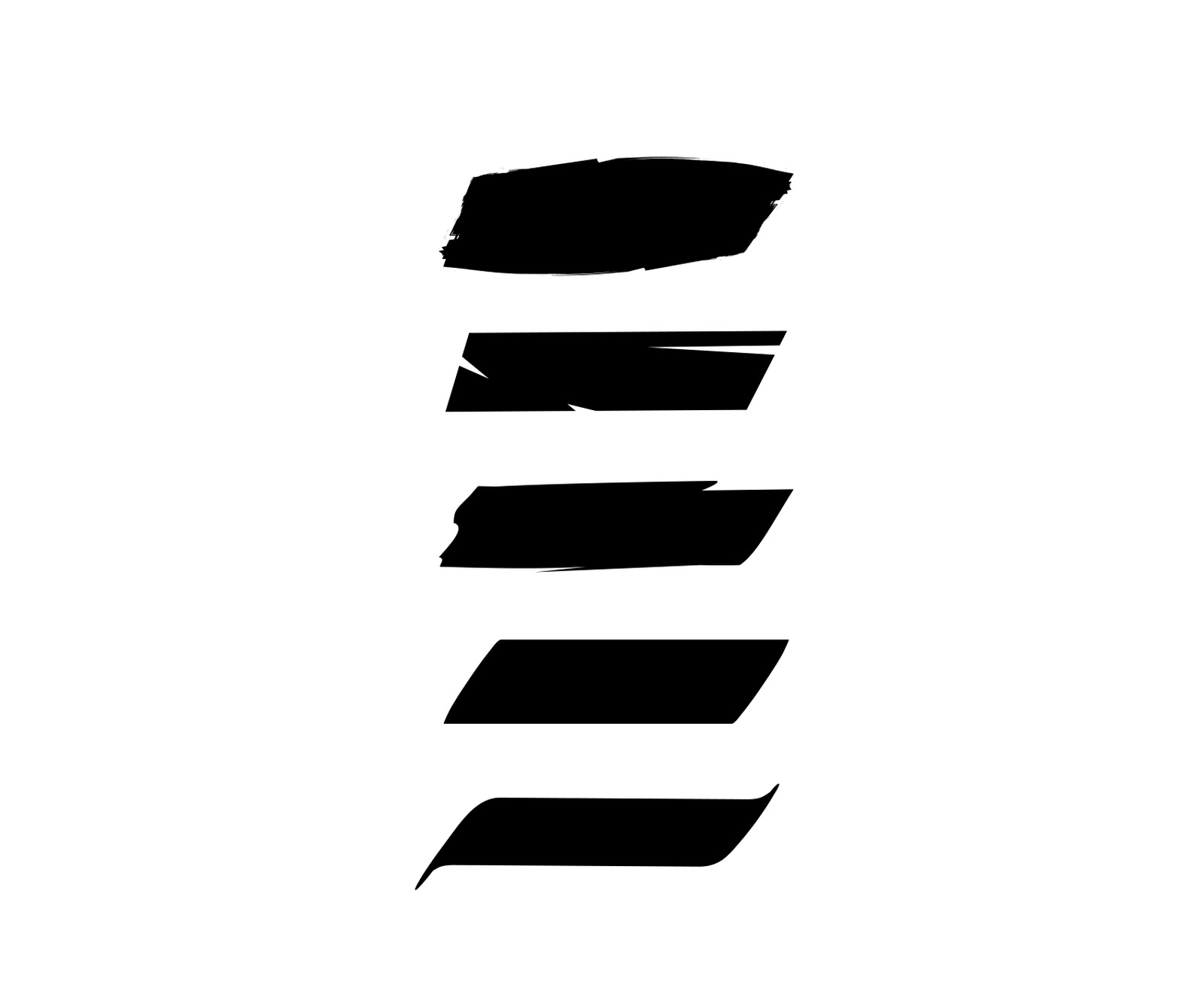
Five hand-drawn calligraphy vector brushes for Adobe Illustrator —
the same qalam strokes from the Procreate set, rebuilt as native
Art Brushes for scalable, editable vector work.
Same five qalam strokes as the Procreate set, rebuilt from the
ground up as clean vector paths and packaged as native
Illustrator Art Brushes. Drop one on a stroke and it scales,
recolors and edits like any other vector — no rasterizing, no
texture loss, no third-party plug-ins.
The Brushes
Five distinct strokes, one library.
Every brush below is shown exactly as it paints — no filters, no
added texture. What you see is what lands on the artboard.
What's Included
One file, five brushes.
Illustrator (native)All 5 brushes ship as one MOMKN-Calligraphy-Brushes-Illustrator.ai — open it, drag the brushes into your own Brushes panel
Brush 01–05Five original hand-drawn strokes, rebuilt as clean vector Art Brushes
SourceDrawn by hand and vectorized entirely in-house — no third-party brush parts
How To Use
Open once, drag onto any stroke.
Illustrator
Open MOMKN-Calligraphy-Brushes-Illustrator.ai in
Adobe Illustrator, then drag any of the 5 brushes from its
Brushes panel into your own document's Brushes panel. Apply one
to a path and it follows the stroke, fully scalable and editable.
Free
MOMKN Calligraphy Brushes for Illustrator is free for personal
and commercial use. Attribution is appreciated but not
required. Reselling or redistributing the brush file as-is is
not permitted.
5 native Illustrator Art Brushes in one .ai file — a single download.